
Illustrating Packaging and Large-Format Prints for Store Displays: Behind the Scenes of the Process
This past summer, I worked on a project commissioned by the De Matteis company for their store display. The company deals with household goods, and for Christmas 2023, the store was ‘decked out’ in a very particular way.
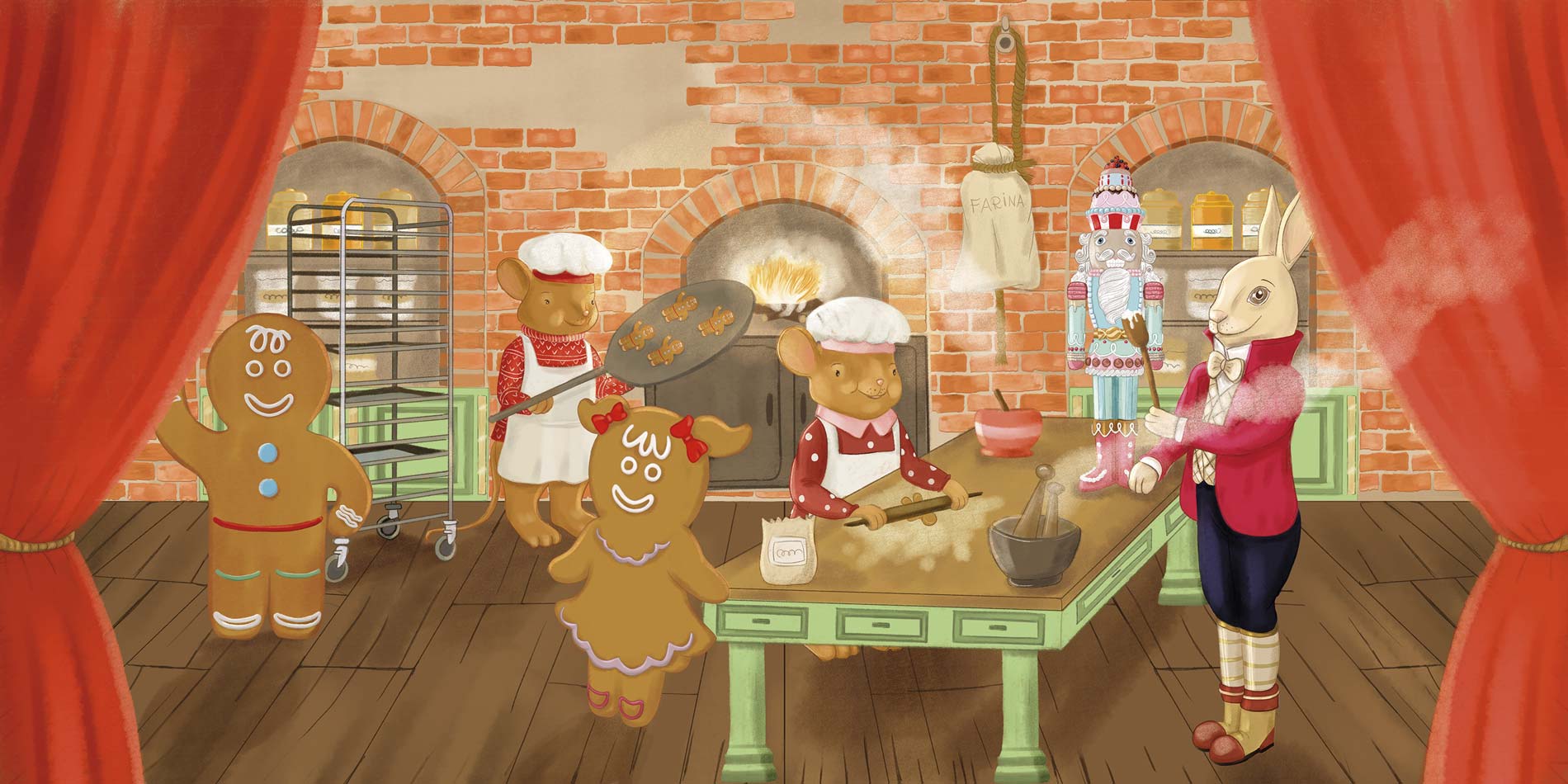
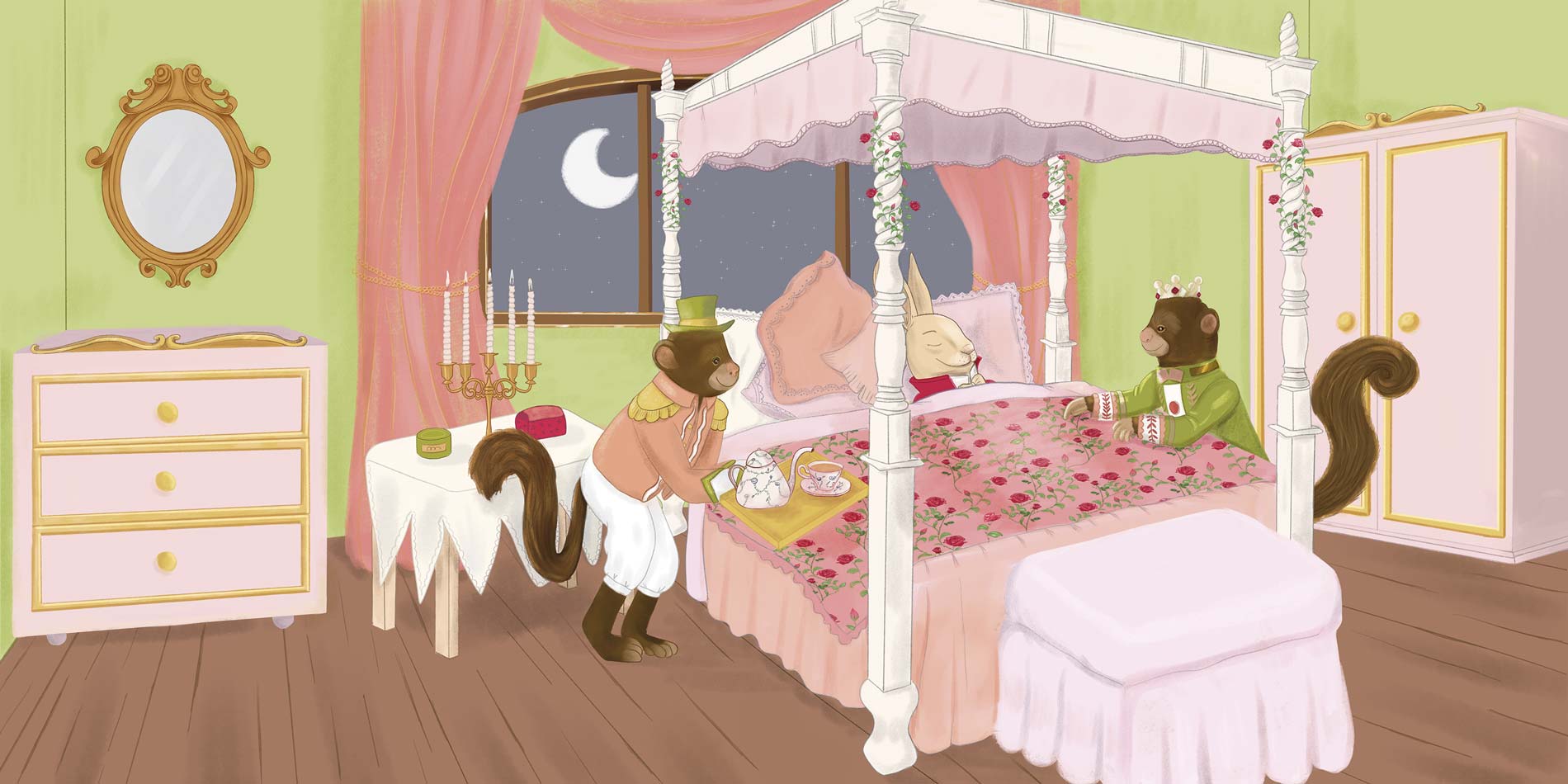
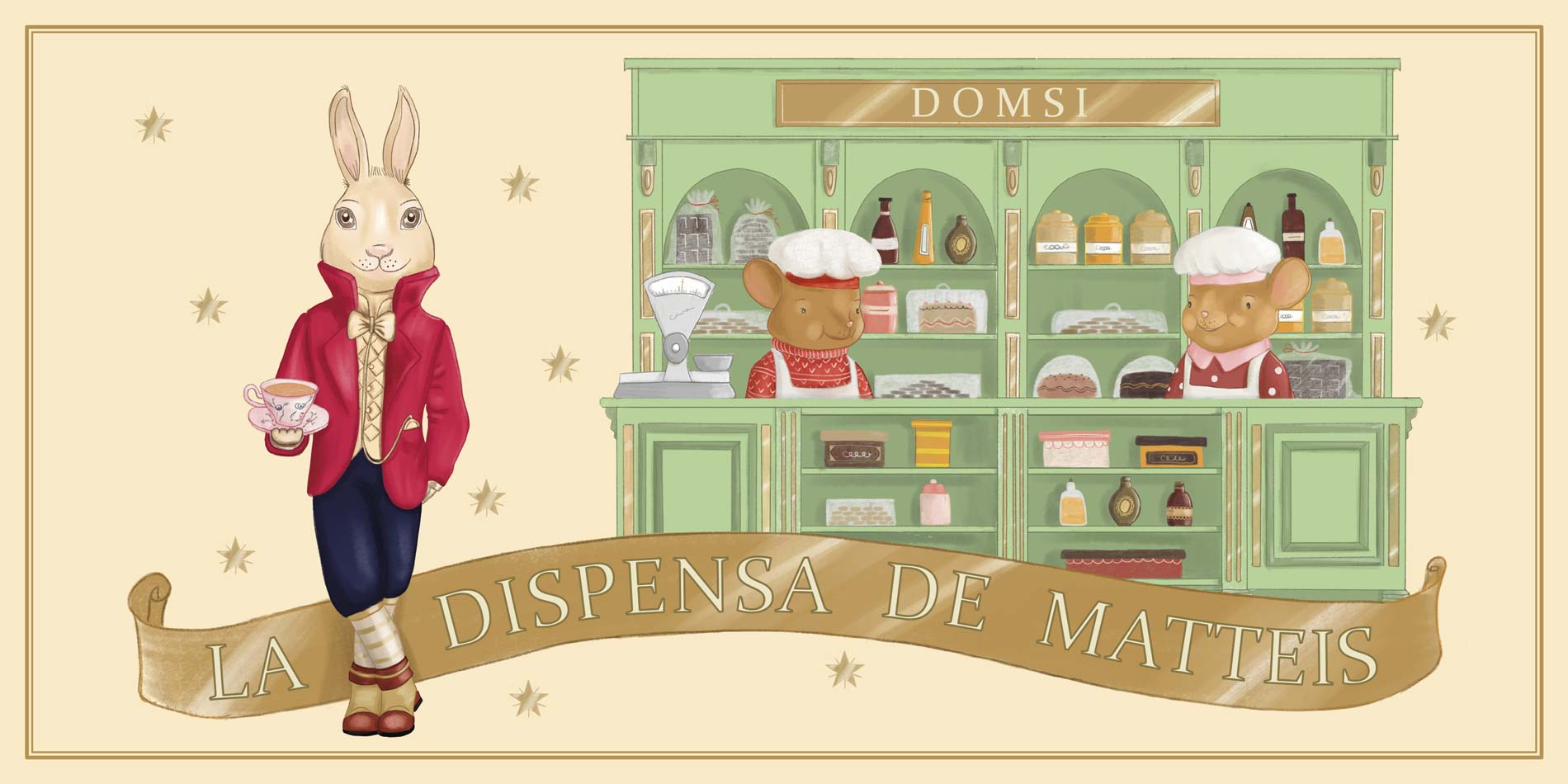
From the beginning, the owner’s idea was to set up the various display departments by following the phases of a delicate Christmas story. The characters were partly pre-existing, taken from accessories and figurines sold right in the store.
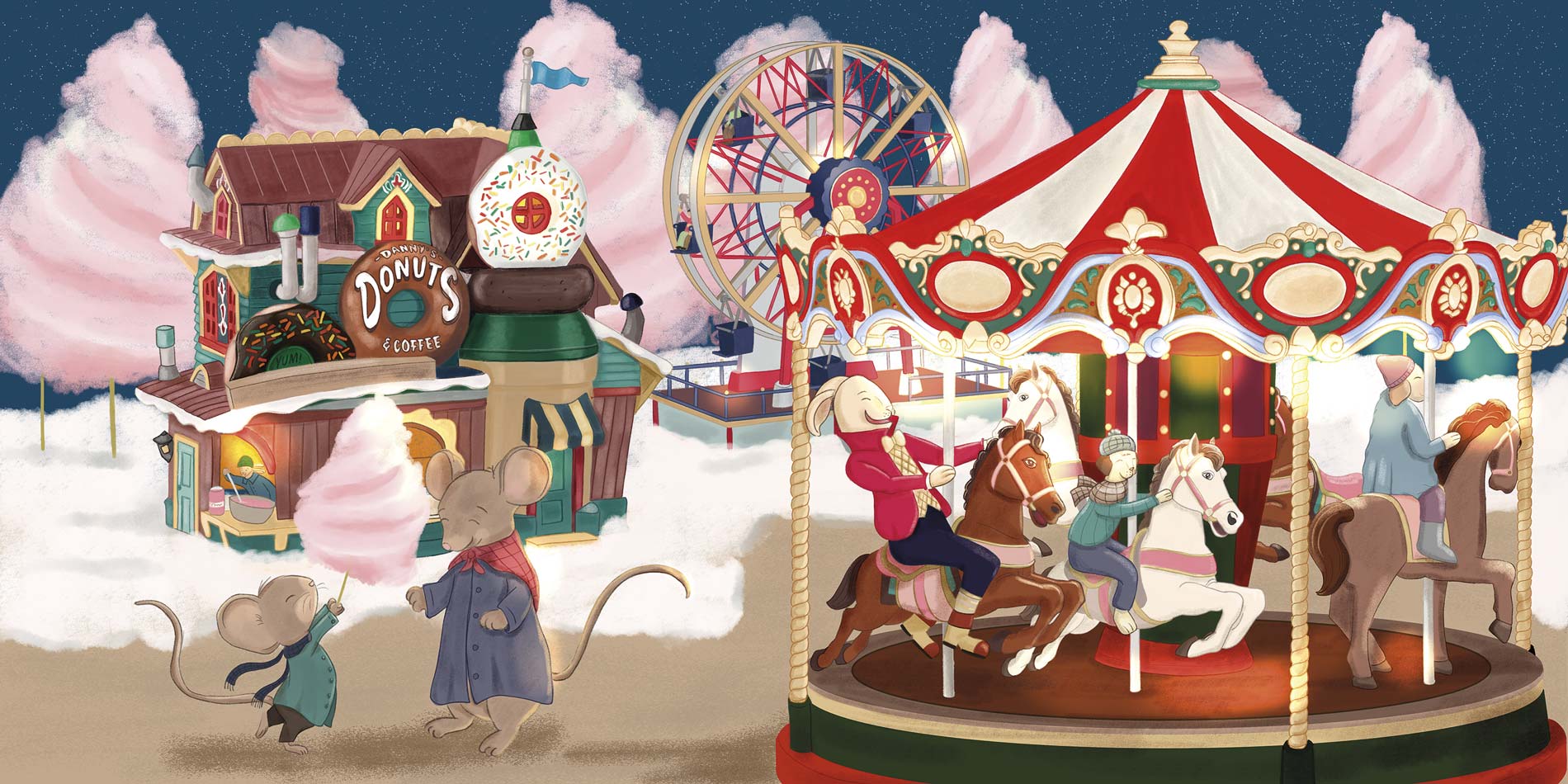
I sought to recreate the style of the story by creating bright and colorful settings. In particular, the representation of the famous Lemax carousels allowed me to use a lively and cheerful color palette.
The final large-format prints were then used for the store display, in harmony with the furniture and accessories used in the various departments.
For the first time after many years of digital painting with Adobe Photoshop, I decided to try creating all the illustrations with Clip Studio Paint.
First of all, the main selling point is the price: $40 without a subscription! 🙂
I always thought it was software more dedicated to comics and manga, which are almost always made with a clean and linear style; instead, I discovered that it is also a very powerful software for digital painting with a traditional artistic effect.
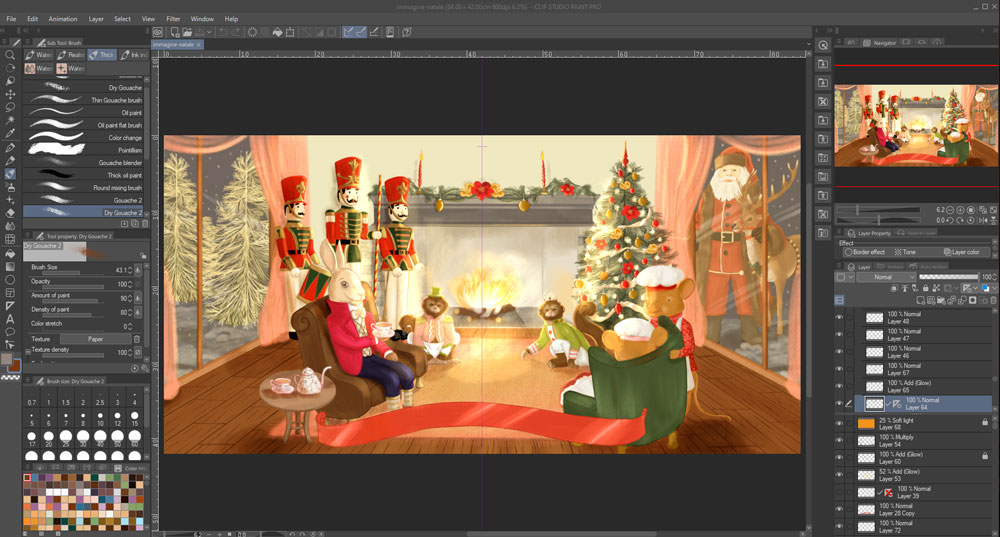
The brushes already included (in particular, I used the Gouaches) are also very versatile. I found a fantastic pencil brush that also allows me to use tilt to create very realistic blends/shading.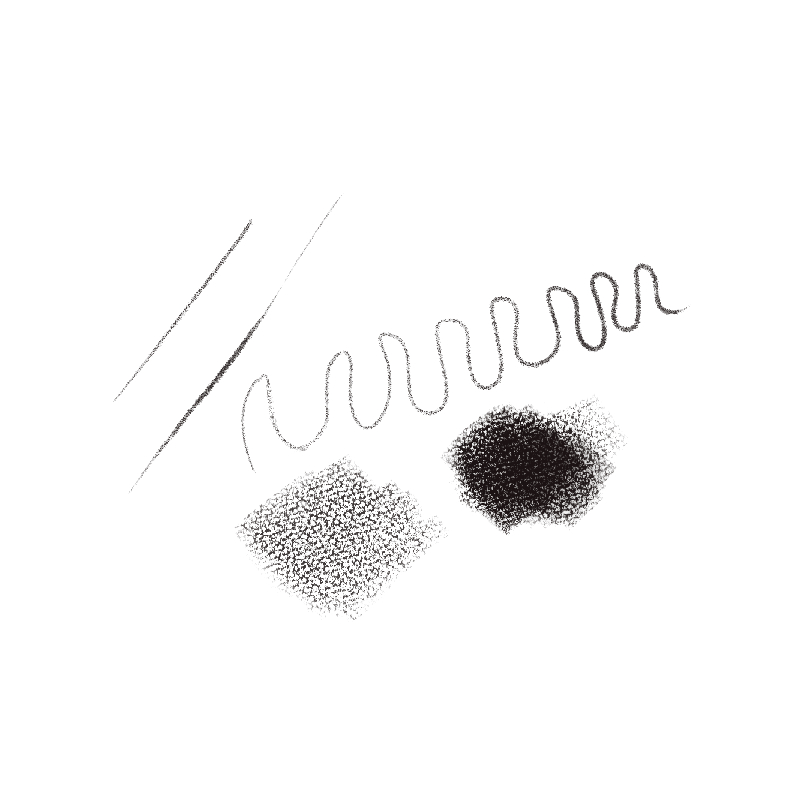
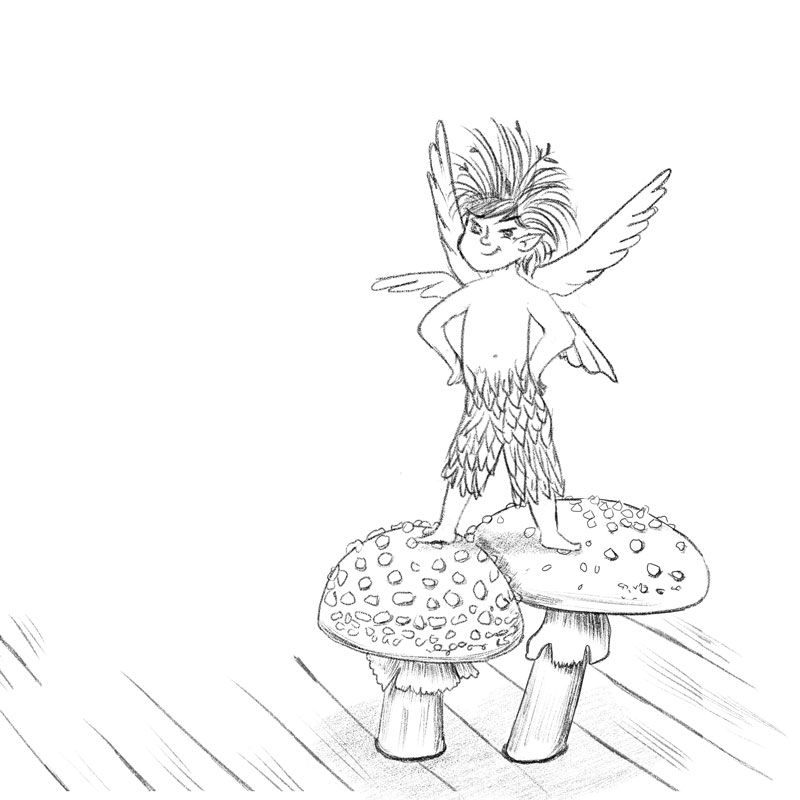
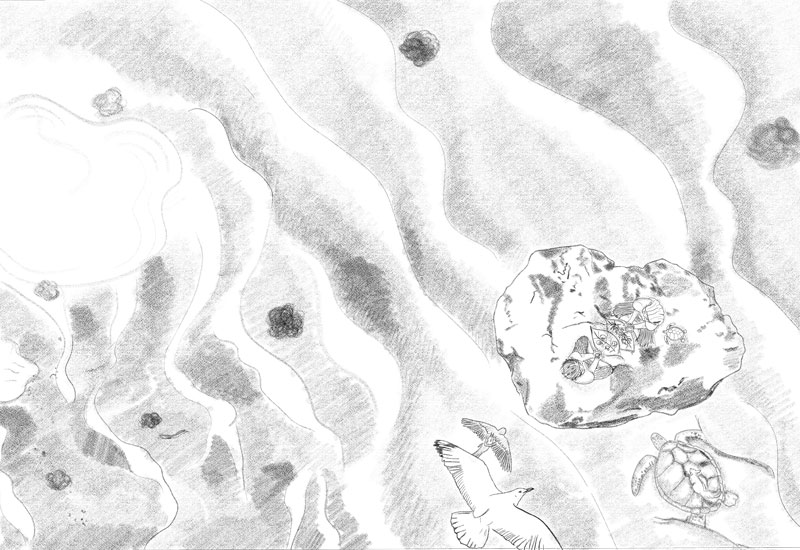
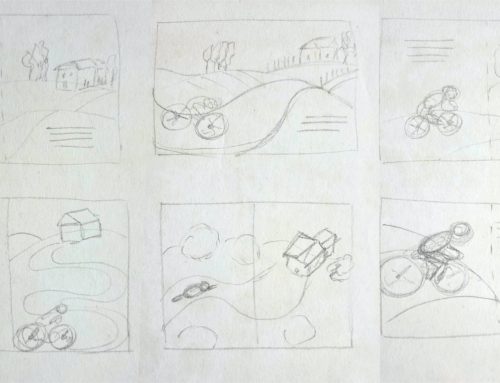
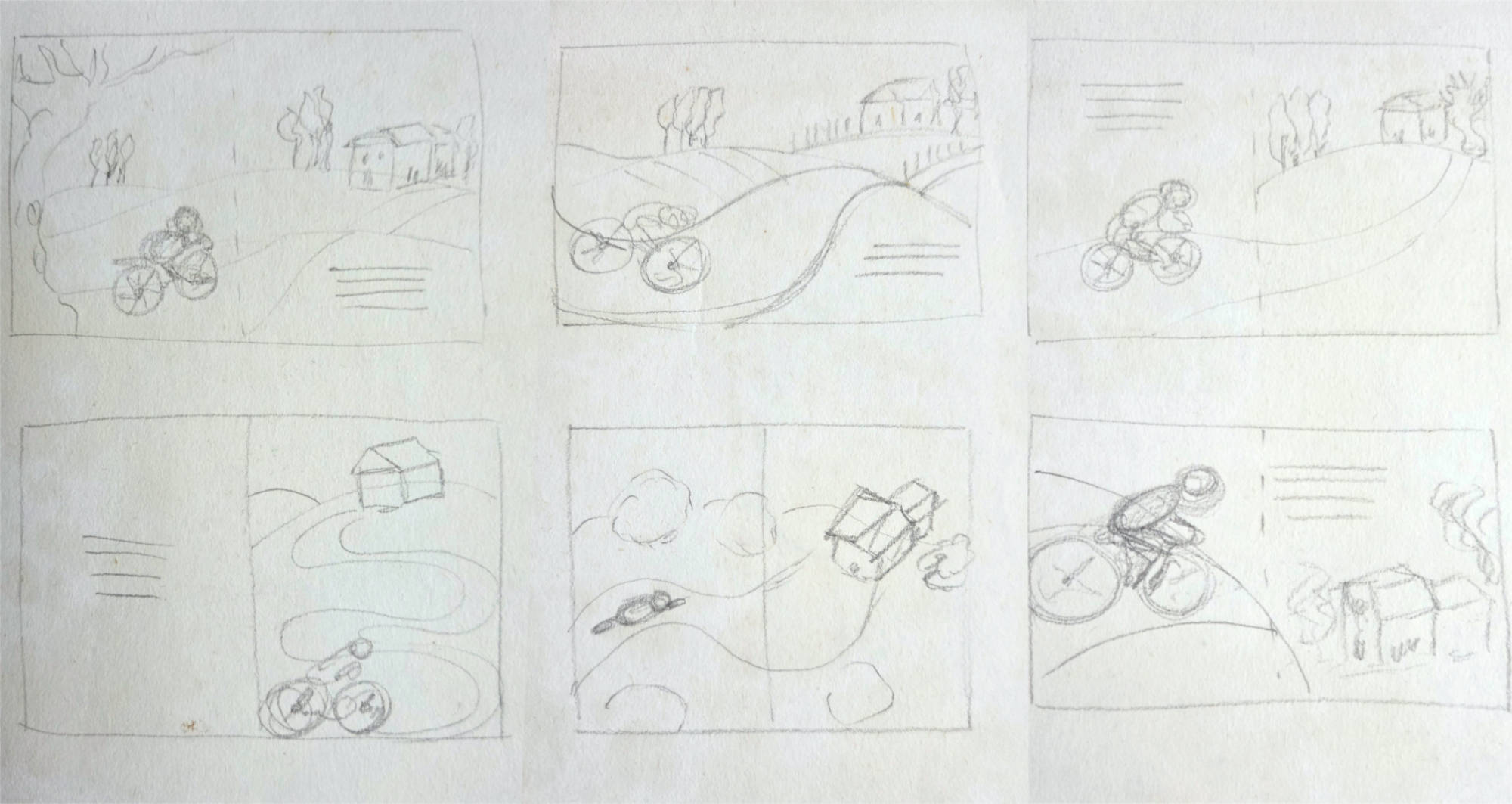
Some examples above of sketches created for the storyboard of another book, where you can see that the pencil has a very realistic texture, in my opinion.
The guide tools (which, like in Photoshop, allow you to draw symmetrically right and left simultaneously) and the perspective ruler, which helps with perspective drawing, are also very convenient within the software.
The software is very fast and lightweight, even though the files were very heavy as they needed to allow for large-format printing.
As for the rest, it is very similar to Photoshop, at least for the way I use it: layers, masks, selections,…
I definitely think I will use it for future projects as well.
Below, I leave you a gallery with the illustrations I created.




If you have any questions about the potential of Clip Studio Paint, write them in the comments.
If you want to see the project in the portfolio section: A Fairytale Christmas
Talk to you soon!
–



Want to stay updated on upcoming articles? Follow me on social media